
Steady Tower
Tap the screen to drop the block.
1 min · Play free Time for a game.
You do not need a store to play on your phone: nhuu games run in the browser, and each one has touch-screen controls defined. This selection gathers the ones you can play with a single finger. All of them are free and need no account.
Every game's info card lists its mobile controls. Only games played with one kind of gesture made it in: tapping the screen, tapping to choose something, or swiping or pulling and releasing with one finger. We deliberately left out games that ask you to manage several buttons at once, use two fingers or combine gestures. That way you can open and play any game on the list with a single finger while holding your phone.
We made the selection by hand from the catalogue's mobile control texts. Games we were not sure about are not on the list; we would rather keep it shorter than promise something wrong. The list is extended by hand with the same test.
The first group is timing games: in titles like Steady Tower you tap the screen at the right moment. The second group is puzzle, board and management games where you tap to choose; Shape Pairs and Line of Four are examples. The third group, such as Number Orchard, is played by swiping or pulling and releasing with one finger. Most of the puzzle and board games in the choosing group are turn-based; the management games run in real time, so it pays to start those a little more carefully.
You can hold the phone upright or sideways; the controls are designed to work both ways. Every game can be paused, so when a notification arrives you can pick up where you left off. For very short sessions, try the quick break games collection; for the whole catalogue, open the all games page. The control text under each card comes from the game's own info card; open the game page for the full controls. Sound starts after your first tap, as browsers require.
Tap the screen to drop the block.
1 min · Play free
Tap to reverse your orbit. Turn toward an orb before it fades.
1–2 min · Play free
Each tap on the screen or the Flap button lifts the wing instantly. Aim for the openings between the clouds.
1 min · Play free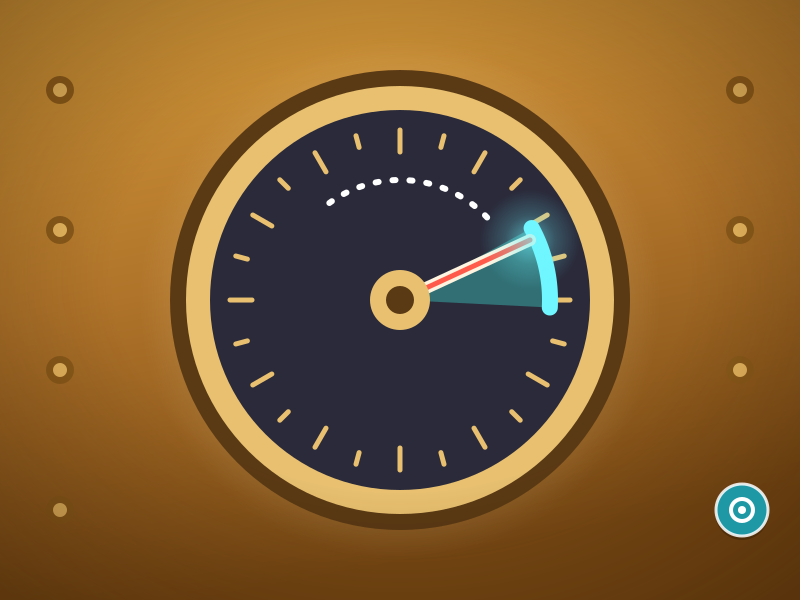
Tap the screen or the Unlock button while the needle is inside the lit target. Miss and you lose a life.
1 min · Play free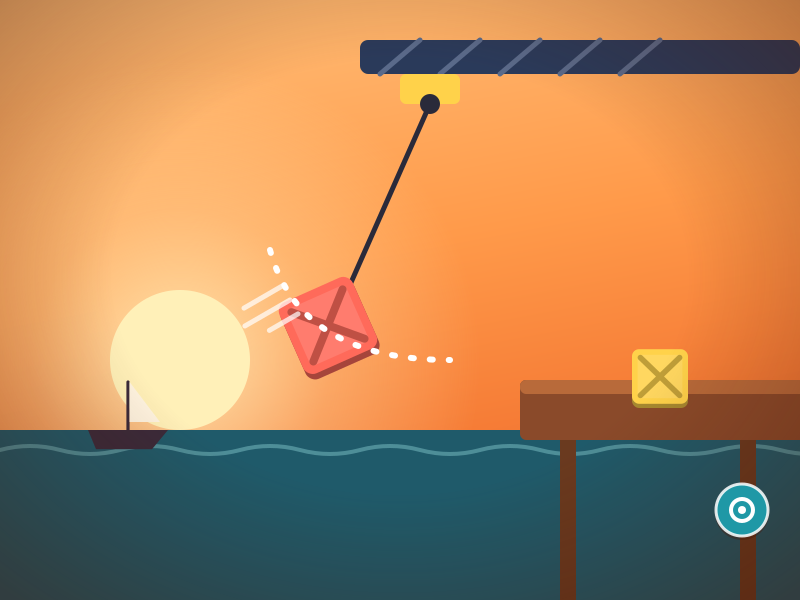
Tap the screen or the Drop button at the right moment. The direction buttons adjust the swing speed.
1–2 min · Play free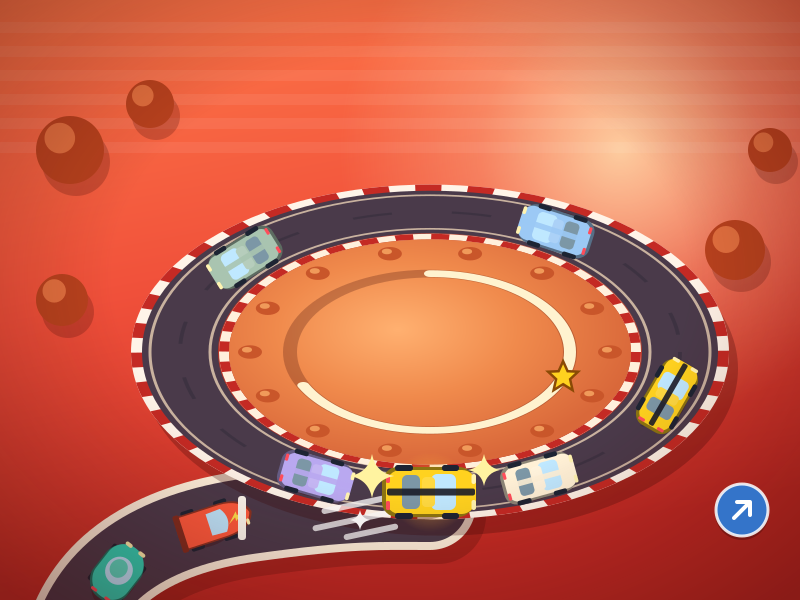
Tap anywhere in the play area: the next car sets off right away. Merging takes about half a second, depending on the car; watch the traffic coming around.
1 min · Play free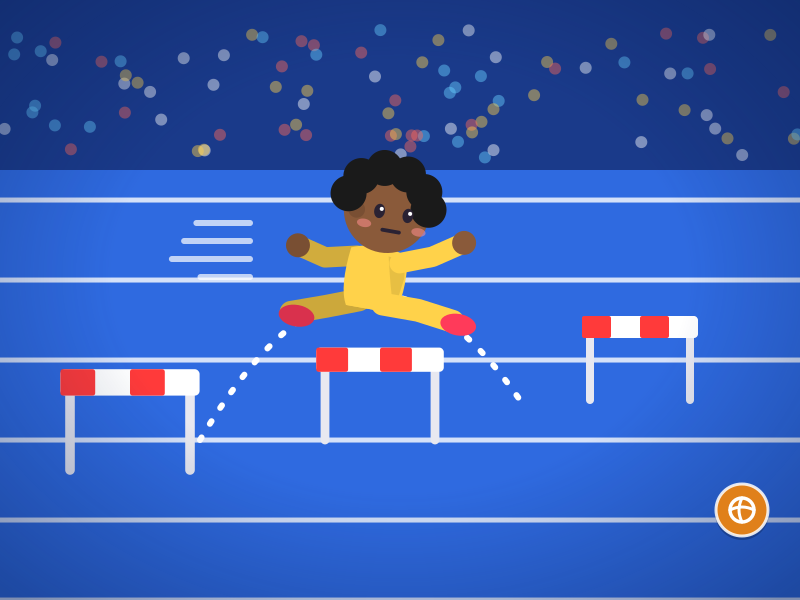
Tap the screen or the Jump button; hold it for high barriers and water.
1 min per race · Play free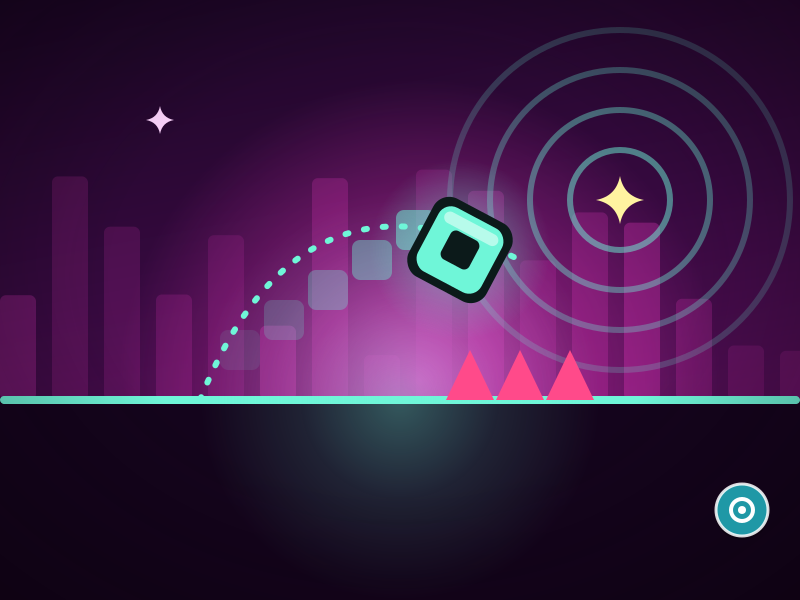
Tap the Jump button or the screen. Hold for chain jumps. Tap again inside a ring to jump in midair.
3–5 min · Play free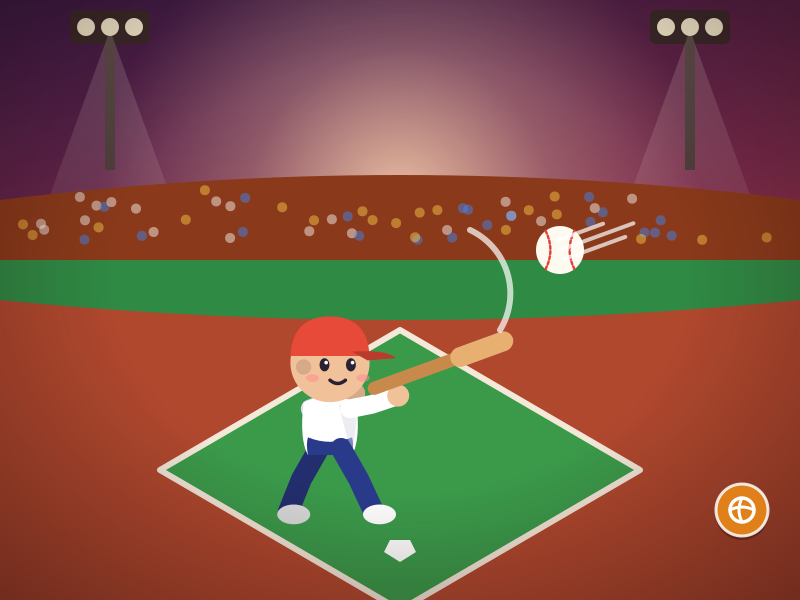
Tap the Swing button as the ball nears the hit ring.
1 min · Play free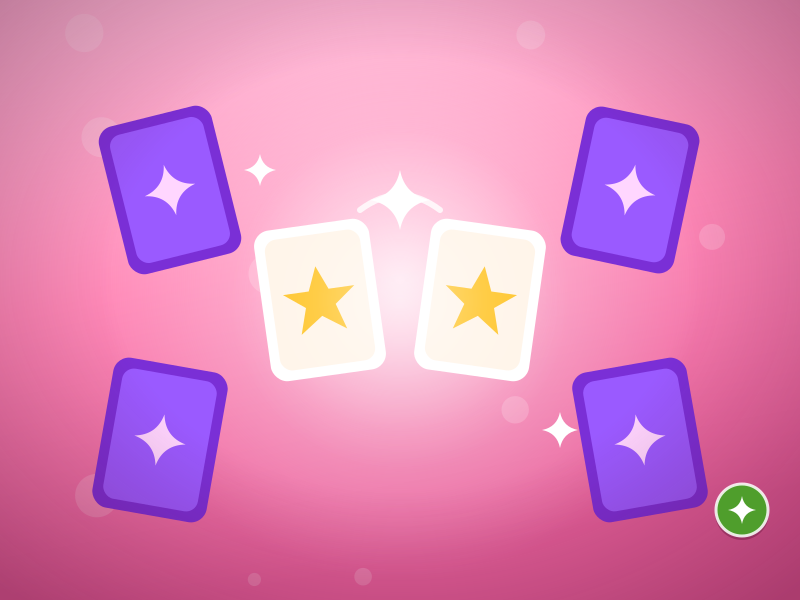
Tap the card you want to flip.
3–5 min · Play free
Tap a lamp to flip it and its neighbors. The Hint and Restart buttons are at the bottom.
2–5 min · Play free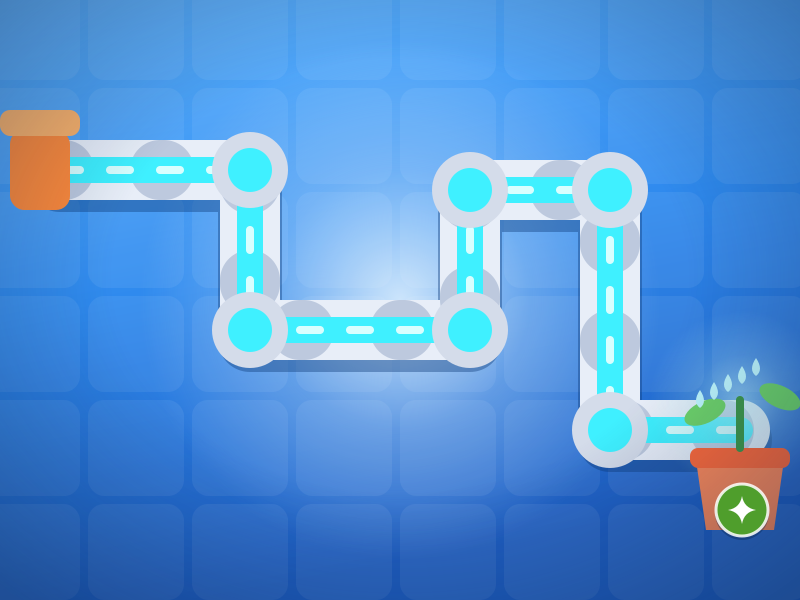
Tap a pipe to rotate it; Undo, Hint and Restart are at the bottom.
2–5 min · Play free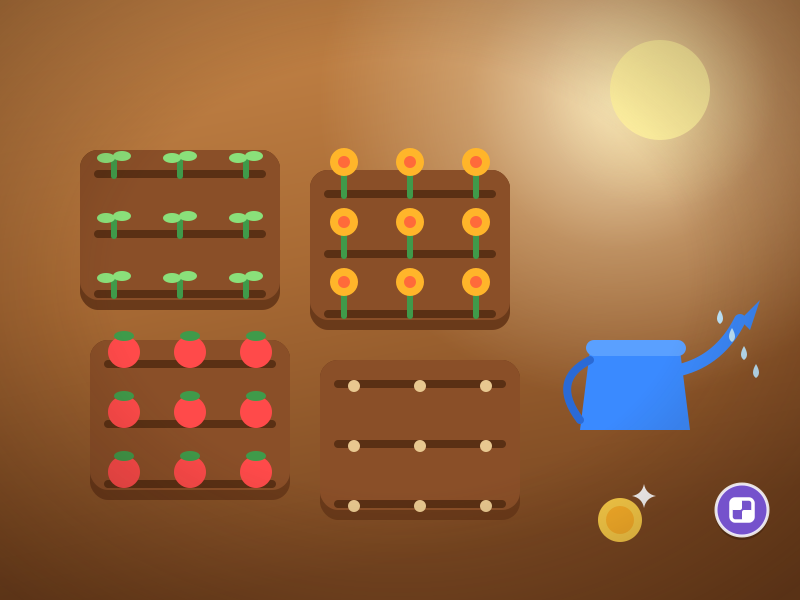
Tap an empty plot to plant, a ripe one to harvest and a withered one to clear it.
2–3 min · Play free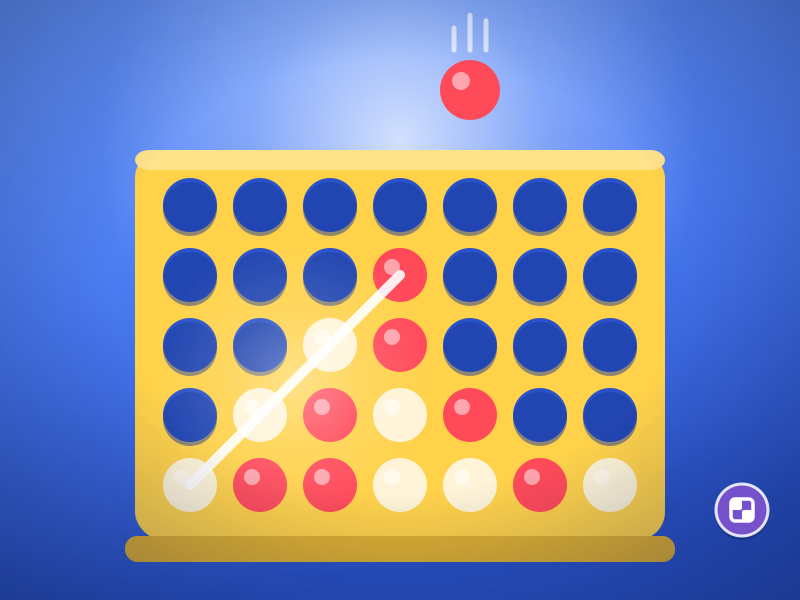
First choose Vs computer or 2 players. Tap the column where you want to drop a disc; the Hint button is at the bottom, only when you play the computer.
2–5 min · Play free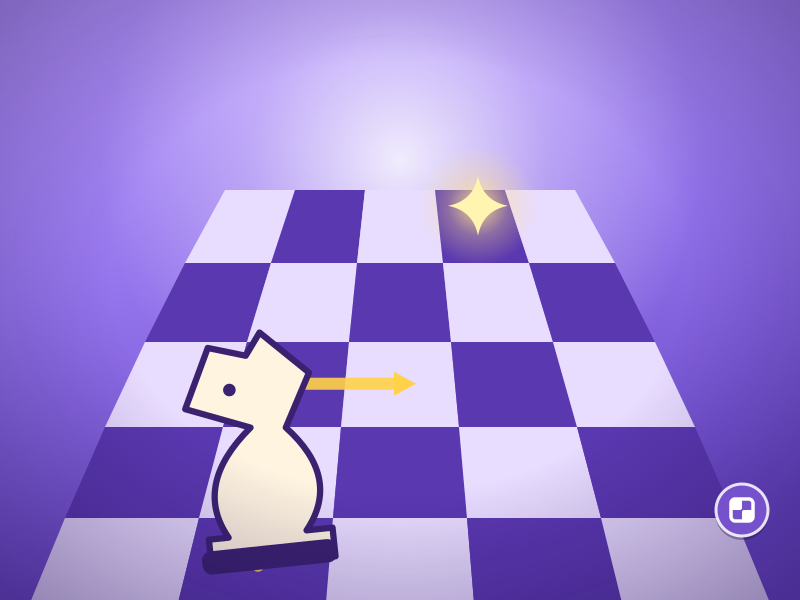
Tap a square with an open dot to make the knight’s L-move; Undo, Hint and Restart are at the bottom.
2–5 min · Play free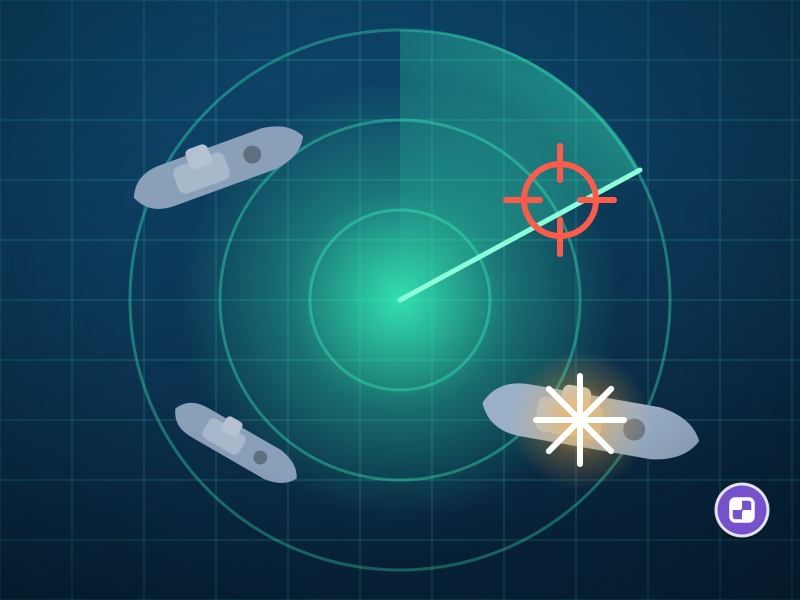
Tap a square in enemy waters to fire; tap Sonar first for a 3×3 scan. Your own waters show on your rival’s turn; you can also tap the bottom-left mini map.
2–5 min · Play free
Tap a bottle, then tap the bottle you want to pour into. You can also drag a bottle and drop it. Use the buttons at the bottom to undo, get a hint or restart.
10–90 sec per level · Play free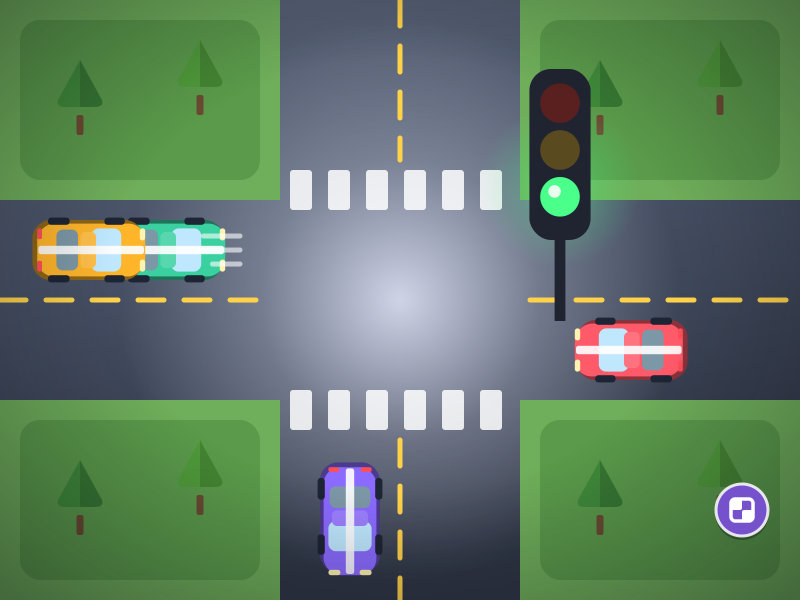
Tap a road, or the Horizontal/Vertical button at the bottom, to give that road the green light.
2–5 min · Play free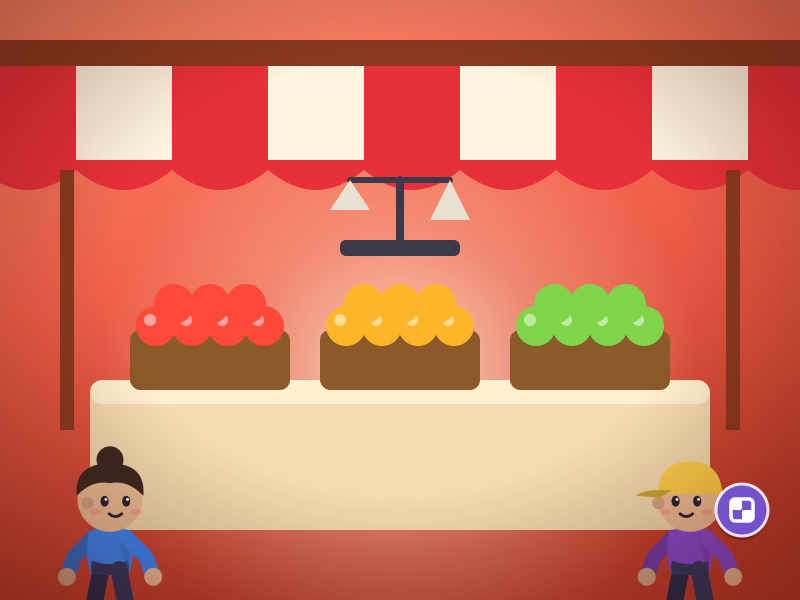
Tap the product the front customer wants; tap a supply order before stock runs low (the truck arrives in a few seconds).
2–5 min · Play free
Tap a production card; once you have enough stock, tap an order card to deliver it.
3–6 min · Play free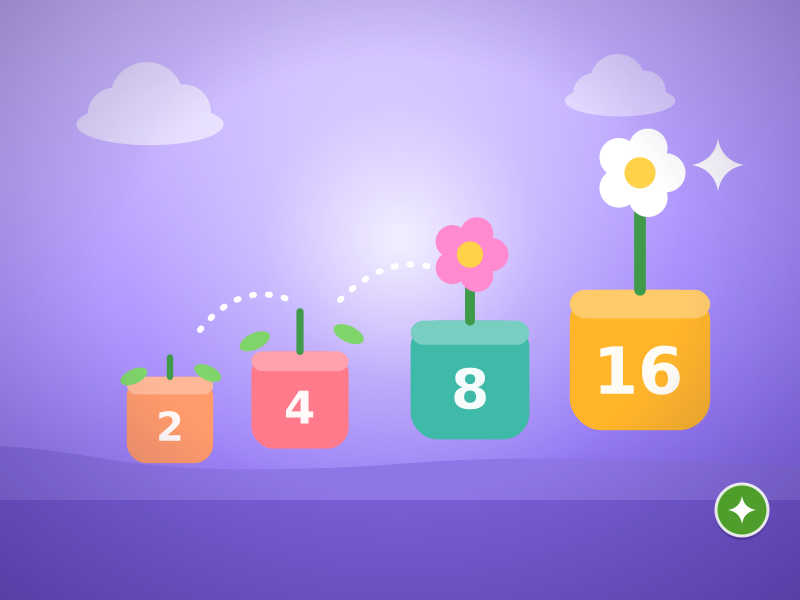
Swipe in the direction you want the tiles to move.
No time limit · Play free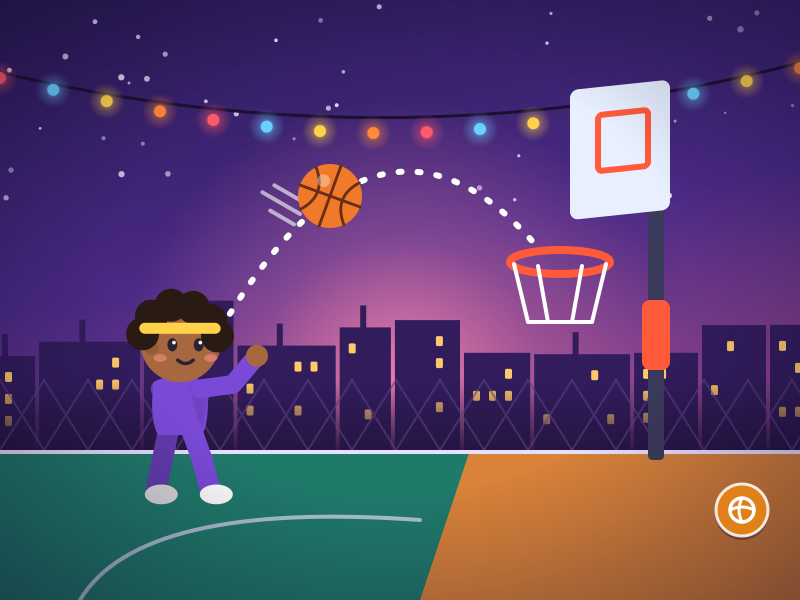
Press the screen, pull the ball back and release, or flick it upward. The longer the pull, the more power; the arc preview shows the path.
1–2 min per match · Play freeNo. The games run in your browser; open a game page and start playing. Accounts do not exist.
Yes; every game in the catalogue has mobile controls defined. Some of them, however, need several buttons, press-and-hold or a mix of gestures, so they were not included in this list.
The games are meant to open on smartphones and tablets with an up-to-date browser. Very old browsers may have problems.
Yes. The games adapt to upright and sideways holds; on a short landscape screen the buttons move to the side.