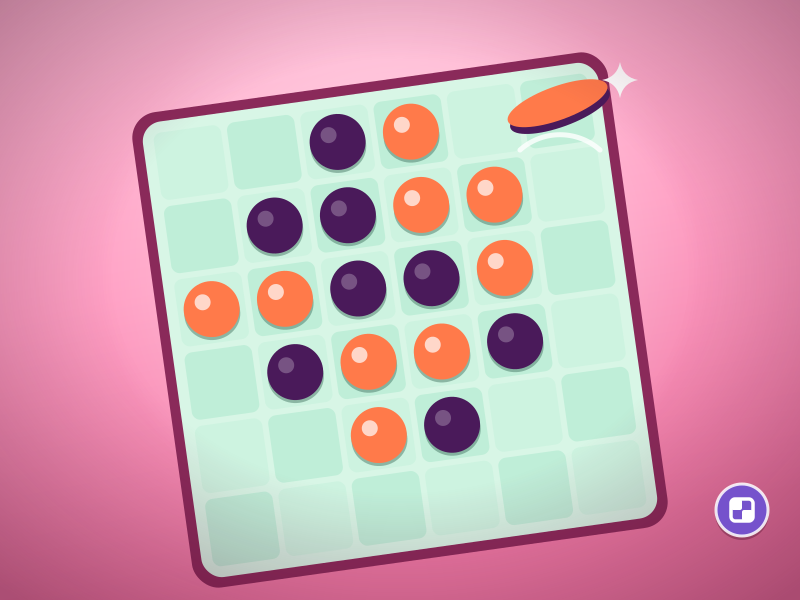
Disc Flip
Hold the corners, tip the balance.
2–5 min · Play free Time for a game.
Genre: Four in a Row
Get four in a row.
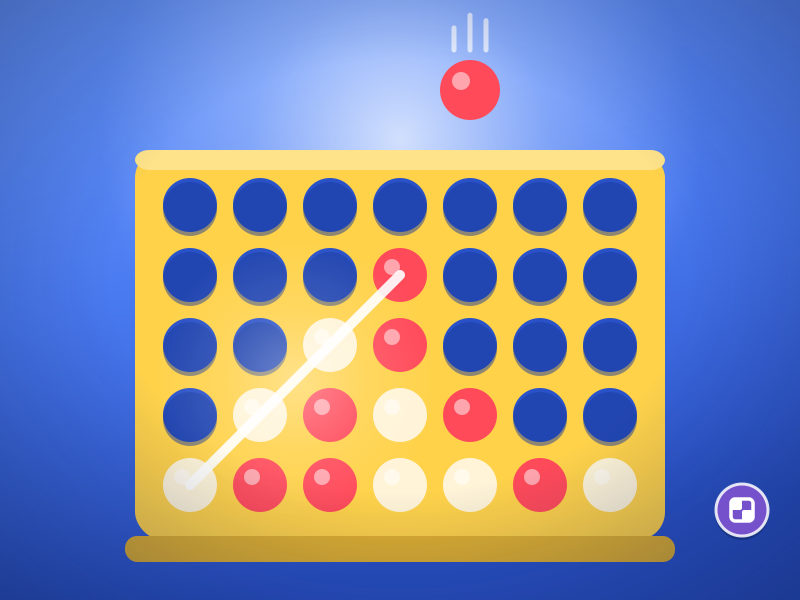
Drop discs against a 12-rival ladder of computer opponents, from apprentice to legend. Every level, rivals think further ahead; early on, a threat marker shows the square where your rival would win. You get 2 hints; win with few discs and no hints for 3 stars. In 2-player mode (same device), two people share one screen and take turns dropping red and ivory discs; this mode has no AI and no hints. Scores and best scores are kept only when you play the computer.
You drop discs into columns to line up 4 in a row; the vertical board is 7 columns by 6 rows. When the game opens you get 2 choices: Vs computer, or 2 players on one device. In Vs computer mode you play 2 matches each against 6 rivals, from apprentice to legend.
On every device: phone and computer, portrait or landscape
The game runs in your browser. No download or account is required.
Yes. On your phone: First choose Vs computer or 2 players. Tap the column where you want to drop a disc; the Hint button is at the bottom, only when you play the computer.
First pick Vs computer or 2 players (arrow keys, Space). Left/right arrows choose a column, Space drops a disc; vs the computer, press the down arrow for Hint.
Yes. The whole game is free; there are no paid levels or in-app purchases.
Round length: 2–5 min.
Hold the corners, tip the balance.
2–5 min · Play free
Build your towers, stop the wave.
2–5 min · Play free
A tiny field, a big harvest.
2–3 min · Play free
Right product, happy customer.
2–5 min · Play free