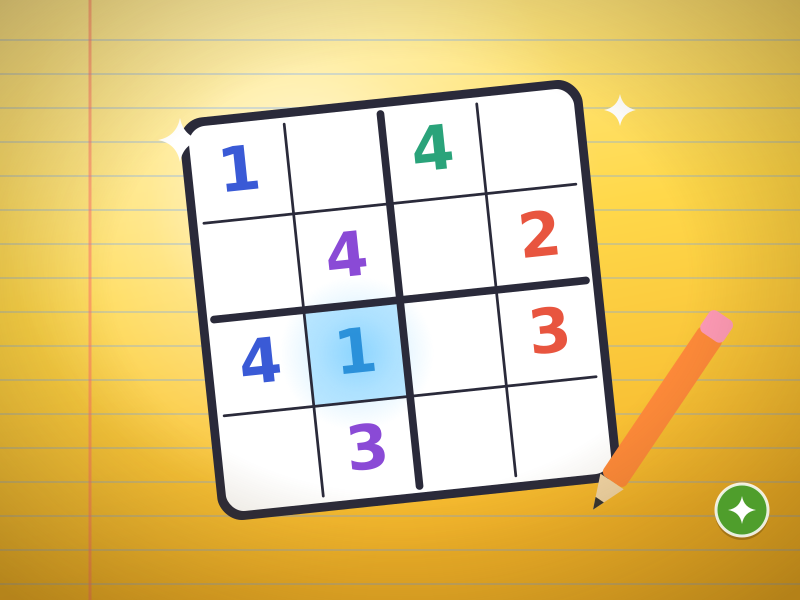
Sudoku Steps
Small squares, perfect order.
2–5 min (9×9: 5–15 min) · Play free Time for a game.
Genre: Sliding Puzzle
Use the gap, find the shortest route.
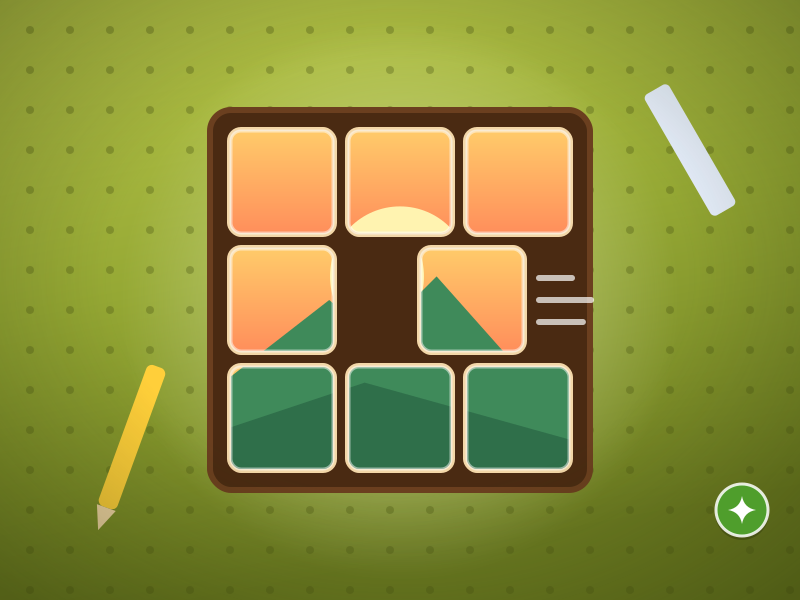
A 20-level sliding tile workshop, from 3×3 warm-ups to 4×4 mastery. The shortest solution for every board has been computed and is the target for 3 stars. Tap a tile in the same row or column as the gap and every tile in between slides; each tile’s color stripe shows its target row. Undo and restart are always free.
Tile Workshop is a 20-level sliding tile puzzle: the first 8 levels are played on a 3×3 board, the other 12 on a 4×4 board. You put the numbered tiles in order row by row, starting from 1; the gap stays in the bottom-right corner.
On every device: phone and computer, portrait or landscape
The game runs in your browser. No download or account is required.
Yes. On your phone: Swipe on the board or tap a tile lined up with the gap; the tiles in between slide together. Undo, Hint and Restart are at the bottom.
Arrow keys slide the tile next to the gap in that direction; Space undoes your last move.
Yes. The whole game is free; there are no paid levels or in-app purchases.
Round length: 2–5 min.
Small squares, perfect order.
2–5 min (9×9: 5–15 min) · Play free
Don’t guess; read the clues.
2–5 min · Play free
Switch off, light up, find the shortest way.
2–5 min · Play free
Push. Think. Place.
2–5 min · Play free